
Best note-taking app for coaches: a practical guide
Best note-taking app for coaches: a practical guide

In short:
- Exantur is suited to coaches who want to link session and client data within a privacy-conscious environment. It offers structured notes, a client portal and EU hosting, specifically tailored to the coaching process. The tool supports a secure migration and helps coaches comply with the GDPR, with practical features for continuity and engagement.
For professional coaches who want to combine sessions and client files with a solid privacy foundation, Exantur is the most fitting choice. It is built around the coaching process, not adapted from a general note-taking tool. Structured session notes, a coachee portal and EU hosting in Frankfurt are the three reasons why coaches work faster with it than with separate apps.
Exantur fits best with coaches who:
- Want to link session notes to a client file and an ongoing journey
- Want to give clients access to their own goals, progress and check-ins
- Want to work GDPR-consciously with a data processing agreement and EU hosting
- Want to use a trial period to test the tool in practice
Exantur is less suitable if you are only looking for a simple note-taking app without client management, or if you want a free tool without a subscription. It also has no built-in calendar, invoicing or video calling. If you need those features as the core of your workspace, you are better off looking for a broader practice management tool.
Table of contents
- What Exantur offers in practice for session notes and client files
- How do you choose the best note-taking app for your coaching practice?
- How do you safely transfer existing session notes to a new app?
- Which privacy checks should you carry out as a coach for notes and client data?
- Key insights
- Why coaching-focused software really is different
- Exantur: practice management that fits how coaches work
- Further reading and sources
- Frequently asked questions
What Exantur offers in practice for session notes and client files
Session notes in Exantur are structured around four categories: observations, insights, breakthroughs and action points. That sounds simple, but the difference from a blank notepad is significant. You no longer write on an empty page, but in a format that forces you to think about what you saw, what you heard and what the client takes away.
Every note stays linked to the right client and the right coaching journey. If you later search for what a client said three months ago about their work situation, you find it in seconds. That searchable archive is exactly what coaches miss when they work in separate documents or emails.
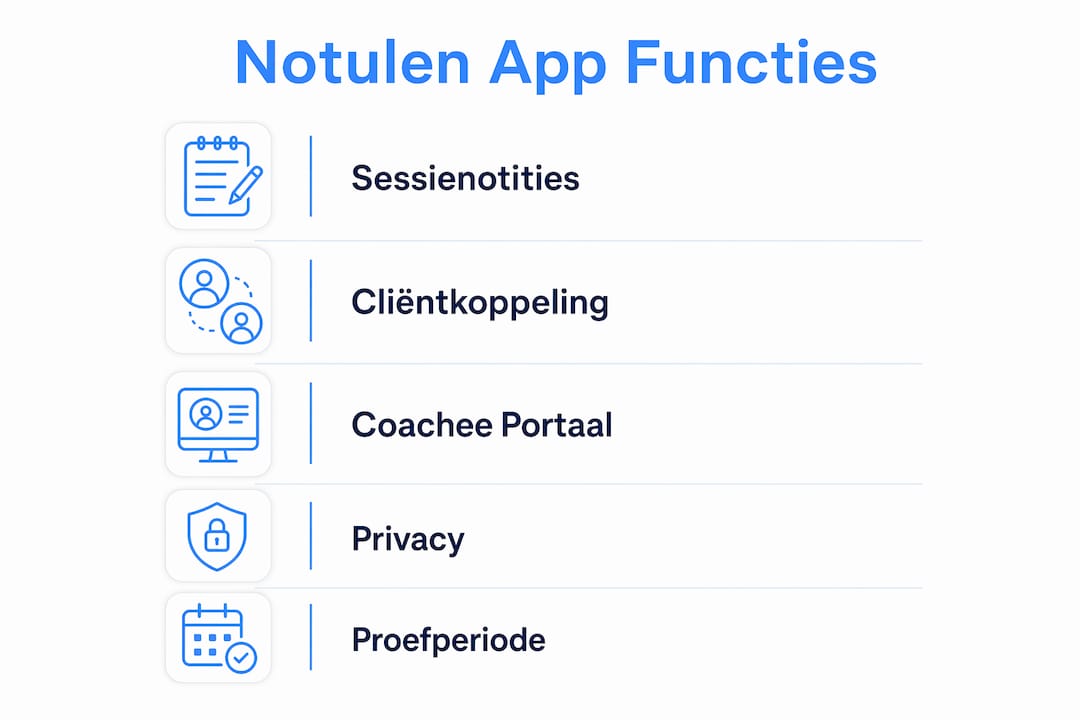
The coachee portal gives clients their own space. They see their goals and progress, complete check-ins between sessions and view shared assignments. That increases engagement without you having to send extra messages.
Accountability between sessions thus becomes part of the journey, not a separate concern.
On privacy: Exantur works with EU hosting in Frankfurt, two-factor authentication (MFA, an extra security step when logging in) and a data processing agreement. That agreement sets out how Exantur handles your client data, which you need in order to comply with the GDPR. The GDPR is the European privacy law that determines how you may process personal data.
Exantur offers a trial period. Payment details are required at sign-up; the subscription starts automatically after the trial unless you cancel in time.
Pro tip: In your first session in Exantur, create a short note with just the four categories as headings. Fill them in with keywords, not full sentences. After three sessions you will naturally see which category you use most and adjust the format to suit your style.
How do you choose the best note-taking app for your coaching practice?
For coaches, choosing a note-taking app comes down to five concrete priorities:
- Privacy and GDPR — Is there EU hosting? Is a data processing agreement available?
- Link to client files — Do notes stay connected to a specific client and a journey?
- Session templates — Can you use a fixed structure without a clinical format?
- Coachee access — Can clients see their own goals and progress?
- Searchability and export — Can you find old notes and take your data with you if you switch?
Which questions should you ask a supplier?
Ask these questions during a demo or trial period:
- Where are the servers located and is a data processing agreement available?
- How do you back up your data and can you export it?
- What happens to my data if I cancel my subscription?
- How long does it take to import existing notes?
Which red flags should you recognise?
- The supplier cannot explain where data is stored or gives a vague answer about the GDPR
- There is no export option for your notes or client files
- There is no coachee portal or client access, while that is a requirement for you
- The trial period is too short to test a real journey
What should you test during a trial period?
| What you test | Why it matters |
|---|---|
| Creating a session note and linking it to a client | Checks whether the basic structure fits your way of working |
| Retrieving a note via the search function | Proves whether the archive is truly usable |
| Activating the coachee portal for a test client | Shows what the client experience looks like |
| Exporting data as a test file | Confirms you are not locked in if you want to switch later |
Integrated practice software reduces switching between programs and increases focus on the client. That is exactly what you want to feel during a trial.
How do you safely transfer existing session notes to a new app?
A migration does not have to be a big project, but it does require preparation.
- Make an overview of your current notes. Which files are active? Which are closed? Export everything you have, even if it is a Word file or PDF.
- Prioritise active journeys. Transfer those first, so ongoing clients experience no disruption.
- Test with a small set. Import three to five files and check whether the structure is correct and whether you can retrieve the notes via the search function.
- Go live with active clients. Briefly inform clients if they are getting access to a portal. This does not have to be a long explanation: a short message is enough.
- Evaluate after two to four weeks. Does the structure work? Are you missing anything? Adjust your templates before transferring all historical files.
For a solo coach with a limited group of active clients, the entire migration usually takes a few working days spread over two weeks.
Pro tip: Always keep your original exports in a separate location, even after the migration is done. Document your new templates in a short text file before you start. That saves time if you later add a second coach or want to adjust your structure.
Which privacy checks should you carry out as a coach for notes and client data?
The GDPR applies to every coach who processes clients' personal data. Software helps, but does not automatically make your practice GDPR-proof. That requires active choices from you as the data controller.
Check at least the following:
- EU hosting — Are the servers located in the EU? Ask this explicitly, because “secure hosting” says nothing about location.
- Data processing agreement — Is it available and have you signed it? Without this agreement you are not working in line with the GDPR.
- Clients' rights — Can clients view, correct or have their data deleted?
- Retention period — How long do you keep notes and what do you do with data from closed journeys?
- Two-factor authentication — Is MFA enabled on your account?
What you keep doing yourself: only record what is necessary for the coaching journey. Do not put sensitive medical information in session notes unless it is explicitly part of your way of working and you have a legal basis for it. Limit access to files to those who truly need it.
What you may ask of a supplier: a description of technical security measures, a data breach procedure and information on how incidents are reported. Practice management software suppliers often refer here to certifications such as ISO 27001 or NEN 7510 as evidence of their security level.
Use the Exantur GDPR check as a starting point to see where your practice stands.
Key insights
For coaches who want to combine sessions and client files with a GDPR-conscious approach, Exantur is the most targeted choice because it supports the entire coaching process: before, during and after the session.
| Point | Details |
|---|---|
| Coaching-focused structure | Session notes in Exantur are linked to a client and journey, not stored separately. |
| Coachee portal | Clients see their own goals, progress and check-ins, which increases engagement. |
| Check the GDPR foundation | EU hosting and a signed data processing agreement are minimum requirements for every coach. |
| Plan the migration | A solo coach with ten to twenty active clients completes a migration in two to three working days. |
| Exantur as the recommended choice | Exantur offers a trial to test session notes, portal and privacy in practice. |

Why coaching-focused software really is different
Most coaches start with a notepad, a Word document or a generic note-taking app. That works, until it no longer works. You can't find a note from six months ago. You no longer remember what commitments a client had made. You work in three different programs at once.
What strikes me about coaches who switch to dedicated software is that the gain rarely lies in speed. It lies in peace of mind. Everything is in one place, linked to the right person. You no longer have to remember where you saved something.
Exantur deliberately chooses a narrow focus: coaching, client relationships and documentation. No calendar, no invoicing, no video calling. That sounds like a limitation, but it is a choice that keeps the tool sharp. A tool that tries to do everything rarely does anything well.
The combination of a coachee portal and searchable session notes is what sets Exantur apart from a generic note-taking app. Clients who can see their own progress are more active between sessions. You notice that in the quality of the conversations that follow.
Exantur: practice management that fits how coaches work
Coaches who want to combine their session documentation and client management in a privacy-conscious environment will find a targeted solution in Exantur. No more separate tools for notes, client files and check-ins. Everything is in one place, linked to the right journey.
The 14-day trial gives you enough time to test a real journey: create a client file, write session notes in the four categories and activate the coachee portal for an active client. That way you quickly see whether the structure fits your way of working.
Take a look at Exantur's practice management software and start your trial. Set up an active client file in advance, and after the first session you will already have an honest impression.
Further reading and sources
- Writing session notes, a practical guide — Exantur guide with concrete guidelines for structuring session notes. Useful to read before you start the trial. Reading time: around 8 minutes.
- Improving coaching accountability — An explanation of how check-ins and goals between sessions work in practice. Relevant if you want to understand the coachee portal. Reading time: around 6 minutes.
- GDPR explanation for practice software — An overview of what software suppliers do around data processing agreements and security measures. Useful as a reference for privacy checks.
- Code of practice for coaches and therapists — Guidelines on record-keeping and administrative standards for the coaching practice.
Frequently asked questions
What makes a note-taking app suitable for coaches?
A good note-taking app for coaches links session notes to a client file and a coaching journey, offers a searchable archive and supports the structure of the coaching process before, during and after the session.
Does Exantur have a coachee portal?
Yes. Clients get access to their own portal where they can view and complete goals, progress and check-ins.
How long does the Exantur trial period last?
Exantur offers a 14-day trial period. Payment details are required at sign-up; the subscription starts automatically after the trial unless you cancel before that date.
Does Exantur automatically comply with the GDPR?
No. Exantur offers EU hosting, two-factor authentication and a data processing agreement, but using software does not automatically make your practice GDPR-compliant. Active choices about what you record and how long you retain data remain your responsibility.
How long does it take to migrate existing notes?
A solo coach with ten to twenty active clients typically completes a migration in two to three working days spread over two weeks, depending on the amount of historical data and the format of existing notes.