
Microsoft Teams coaching: possibilities, limits and better alternatives
Microsoft Teams coaching: possibilities, limits and better alternatives

What Microsoft Teams coaching offers you, and where it stops
Microsoft Teams has a number of features that coaches can use straight away. The best known is Speaker Coach: an AI tool that gives real-time feedback during meetings on speaking pace, filler words, pitch and inclusive language use. Afterwards a personal report appears, visible only to the speaker themselves. Handy for presentation training, but the limitations are significant.
Speaker Coach works exclusively in English. The Teams app must be set to English, and the feature is not available in channel meetings or sessions started via “Meet now”. On top of that, the setting is stored per device: if you log out, the configuration starts over.
Besides Speaker Coach, Teams Premium and Copilot offer additional AI features: smart summaries, action-item suggestions and meeting insights. But these require recording and transcription, the right licenses for all participants, and configuration by an IT administrator via the Teams Admin Center. For a solo coach or small practice, that is a hurdle that quickly outweighs the added value.
Where Teams structurally falls short for coaching:
- No native coaching workflow. There is no client management, no session documentation, no goal tracking and no check-ins between sessions.
- Language restriction. Speaker Coach only works in English, which severely limits its usefulness for Dutch-speaking coaches.
- License complexity. Teams Premium features such as meeting branding and lobby settings require separate licenses and admin setup.
- No coachee portal. Clients have no dedicated environment for goals, progress or assignments.
Teams is suitable as a video meeting platform for coaching sessions. For managing a coaching practice, it falls short.
Table of contents
- Governance and privacy: what challenges Teams poses for coaches
- How do you get the most out of Teams as a coach?
- Exantur: built for coaching, not repurposed
- What Exantur concretely does better for coaching practices
- How Teams integrates with other coaching tools
- How Teams coaching differs by coaching style
- Key insights
Governance and privacy: what challenges Teams poses for coaches
The NCSC warns explicitly: the ease of creating collaboration spaces and involving external users in Teams creates risks for GDPR compliance when there are no strict protocols. Default settings are not designed to isolate sensitive client data.

Teams can support large groups of members per team, but uncontrolled growth leads to what is known in practice as “Teams sprawl”: a proliferation of teams and channels in which client information becomes scattered across dozens of environments. For a coaching practice this means, concretely: session notes in one chat, assignments in another channel, and client documents somewhere on SharePoint. No one has an overview anymore.
Specific risks for coaches:
- Unintended access. External parties invited into a Teams environment can sometimes see more than intended, especially when channel structures have not been set up carefully.
- Fragmented data. Client information spread across multiple channels makes it difficult to correctly execute GDPR rights such as access and deletion.
- Forgotten environments. Data can remain stored for a long time in inactive Teams spaces, which conflicts with GDPR retention periods.
- Phishing risk. The NCSC notes that methods have been discovered that can bypass restrictions for external users, making phishing attacks via Teams possible.
Key point: A lack of central management in Teams regularly leads to unintended access to client data via channels that were not meant for that person.
Specialized coaching software such as Exantur works differently: privacy by design is not a setting you configure, but the architecture of the system. Row-level security ensures that coaches only see the data of their own clients, even within an organization with multiple coaches.
How do you get the most out of Teams as a coach?
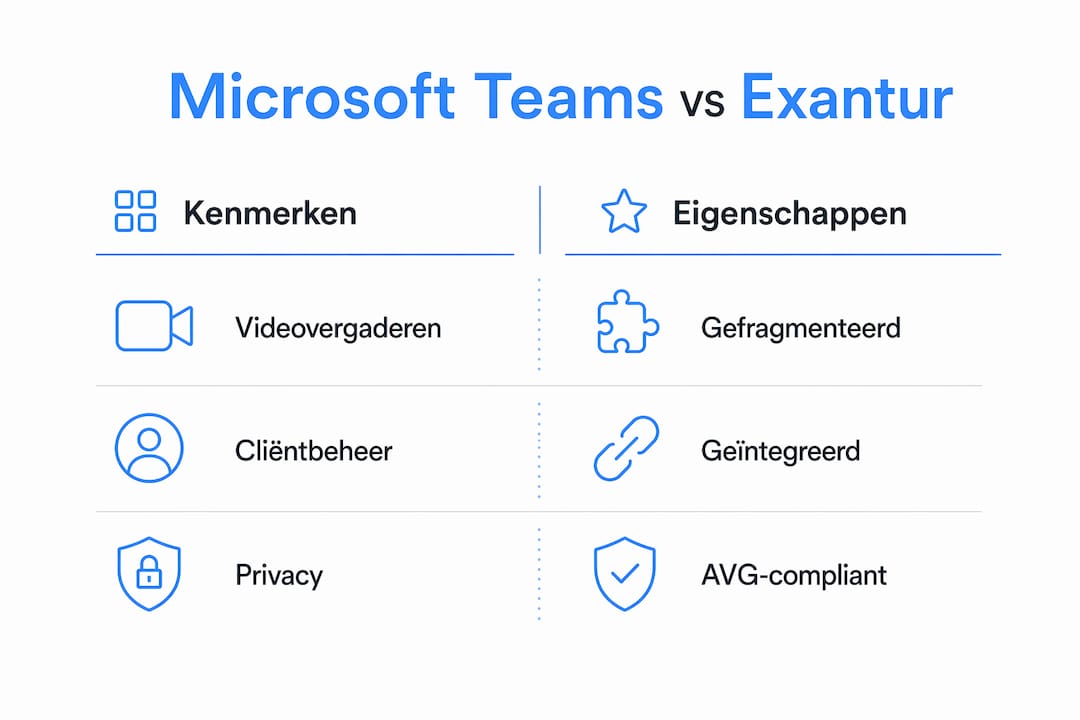
Experts from AVK Training & Coaching put it sharply: the difference between using Teams and truly leveraging Teams lies not in the technology, but in behavior, goals and agreements. Without that foundation, Teams becomes a source of noise rather than of structure.
Practical recommendations for coaches working with Teams:
- Define your coaching goals before you set up the tool. Are you using Teams for video sessions, for document sharing, or as a central workspace? That choice determines how you structure your channels and teams.
- Make explicit behavioral agreements. What goes via chat, what via email, what via a channel? Without agreements, fragmentation arises on its own.
- Limit who may create teams and channels. Grant that authority only to the administrator or a designated person, not to each coach individually.
- Train coaches on more than the basics. Knowing how to schedule a meeting is not the same as knowing how to use Teams effectively for coaching workflows. AVK offers targeted Microsoft Teams training for this.
- Arrange external access deliberately. Determine per client whether external access is needed, and limit that access to the minimum.
Pro tip: Prevent Teams sprawl by applying a fixed naming convention for channels and folders at the start of every coaching relationship. That keeps the structure manageable, even as the practice grows.
For coaches who want to understand how Teams relates to email and other communication tools, this comparison of Teams and email offers a clear starting point.
Exantur: built for coaching, not repurposed
Exantur is not a generic collaboration tool that coaches try to bend to fit their practice. The platform is designed from the ground up around the coaching relationship itself.
What that means in practice:
- Client management covering the entire journey from first conversation to closure, in one overview.
- Structured session notes with searchable observations, insights, breakthroughs and action points, all in the context of the client.
- Goals and accountability tracking, including check-ins between sessions that actively keep the coachee engaged.
- Assessments such as DISC profile and Wheel of Life, directly linked to the client file.
- A dedicated coachee portal where the client sees their goals, progress and assignments.
- Multi-coach functionality for organizations with multiple coaches, including team analysis.
On the security front, Exantur works with EU hosting, GDPR compliance by design, row-level security and multi-factor authentication. These are not options you switch on, but the standard.
| Feature | Microsoft Teams | Exantur |
|---|---|---|
| Video meetings | Yes | No (integrable) |
| Client management | No | Yes |
| Session documentation | No | Yes, searchable |
| Goals and progress | No | Yes |
| Coachee portal | No | Yes |
| GDPR by design | No | Yes |
| EU hosting | Partly | Yes |
| Assessments (DISC, Wheel of Life) | No | Yes |
| Multi-coach organization | Limited | Yes |
What Exantur concretely does better for coaching practices
Teams is a communication platform. Exantur is practice management software for coaches. That difference sounds abstract, but in daily practice it is felt in every session.
A coach who uses Teams is constantly switching: video in Teams, notes in Word or OneNote, goals in a spreadsheet, assignments via email. Every switch costs time and increases the chance that information gets lost or ends up in the wrong place. Exantur brings all of that together in one environment that takes the coaching relationship as its starting point.
| Aspect | Microsoft Teams | Exantur |
|---|---|---|
| Workflow | Fragmented | Integrated |
| Privacy architecture | Configurable | By design |
| Client overview | None | Complete, per journey |
| Reporting | Limited | Yes, confidential |
| Cost | Part of Microsoft 365 | Subscription per coach/coachee |
| Suitable for solo coach | As a video tool | As a complete practice |
The subscription prices of Exantur are transparent and scale with the number of active coachees and coaches. That makes it accessible for solo coaches while at the same time suitable for larger organizations.
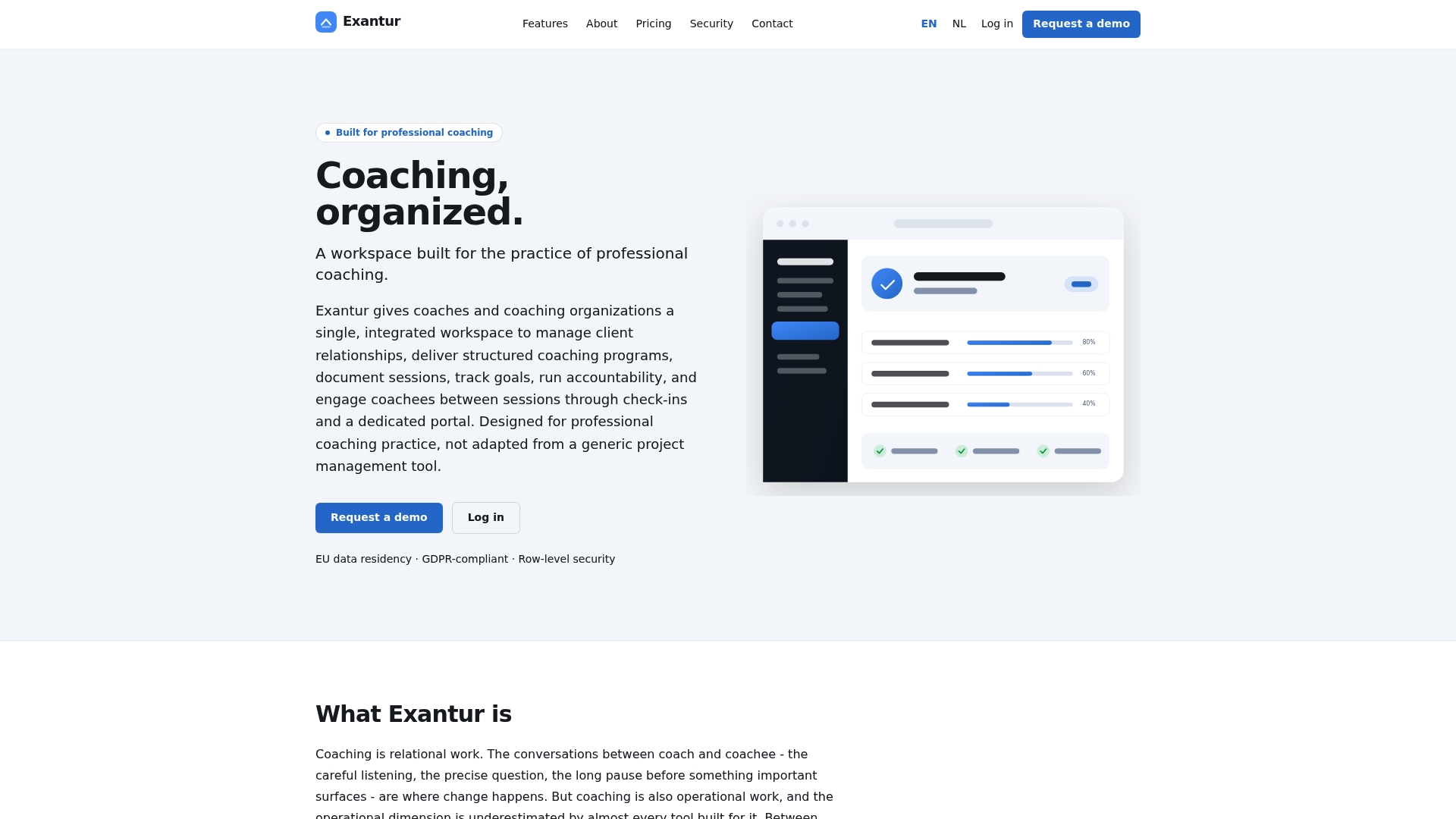
Want to see how Exantur organizes your practice? Request a demo via exantur.com and experience the difference with a generic communication platform.
How Teams integrates with other coaching tools
Teams is strong in integrations. Through the Microsoft 365 environment you link it to SharePoint for document management, to Planner for task overview, and via the app store to hundreds of external tools. For coaches who are already deeply embedded in the Microsoft ecosystem, that is an advantage.
Yet that flexibility has a downside. Every integration adds a layer to the workflow. Notes in OneNote, tasks in Planner, documents in SharePoint, video in Teams: the whole thing works, but it demands discipline and technical knowledge to keep it organized. For coaches who want to focus on their profession instead of their tool stack, that is a real burden.
Exantur deliberately takes a different approach: everything a coach needs is in one platform, without you having to build or maintain integrations yourself.
How Teams coaching differs by coaching style
For individual coaching, Teams offers a workable foundation: one-on-one video sessions run smoothly, and Speaker Coach gives the coach themselves feedback on their speaking style. But it lacks the structure for tracking progress, goals and session history per client.
Group coaching is where Teams is relatively strong. Breakout rooms, polls and shared whiteboards make interactive group sessions possible. The challenge lies in the follow-up management: who said what, which action points were agreed, and how do you follow up individual participants within a group journey? Teams offers no structured solution for that.
In long-running coaching journeys, the lack of a client file becomes most noticeable. Without structured session notes and goal tracking, you lose the overview across several months. Coaches solve this with loose documents, but that is not a system.
Key insights
Microsoft Teams offers usable tools for video sessions and speaking feedback, but lacks the coaching workflow, privacy architecture and client structure that professional practices require.
| Point | Details |
|---|---|
| Speaker Coach only in English | The feature does not work in Dutch and requires manual activation per device. |
| Teams sprawl is a real risk | Uncontrolled growth of channels fragments client data and complicates GDPR compliance. |
| Governance requires IT support | Effective and secure use of Teams for coaching requires central management processes and clear agreements. |
| Exantur is built for coaching workflows | Client management, session notes, goals and check-ins are integrated in a GDPR-compliant platform. |
| Costs and licenses differ significantly | Teams is part of Microsoft 365; Exantur charges per coach and coachee on a subscription basis. |